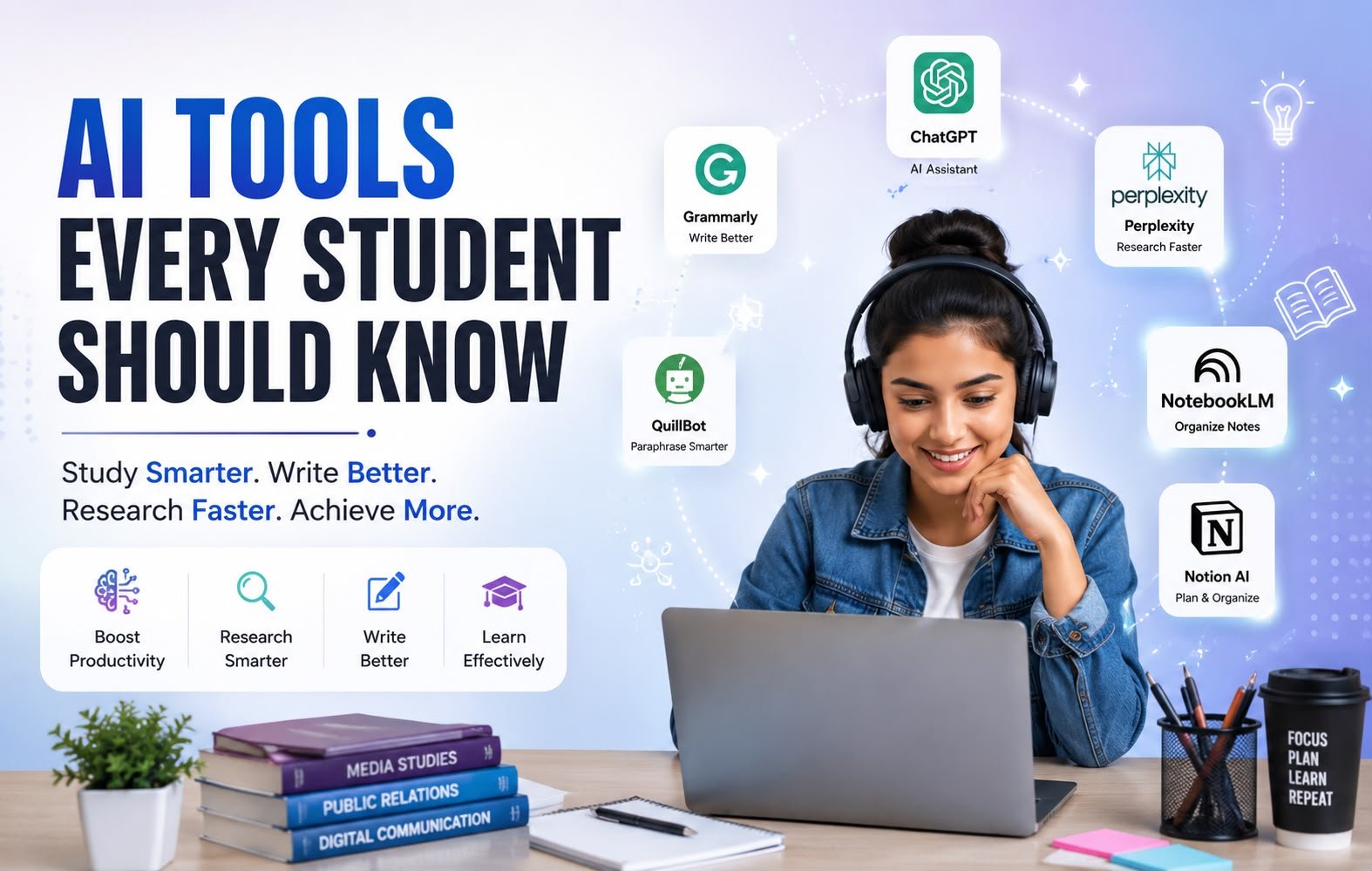
Best Free AI Tools Every Student Should Know
Between the hustle of university lectures, part-time jobs, and endless stacks of assignments, student life can get overwhelming fast. While you’ve likely heard of mainstream platforms like ChatGPT or Grammarly, they only scratch the surface of modern technology. If you are still relying solely on basic chatbots to help you study, you are missing out on incredible academic shortcuts.
The digital landscape is packed with specialized, lesser-known AI study tools designed to tackle specific academic obstacles. From instantly turning textbooks into interactive podcasts to summarizing hundreds of peer-reviewed research papers in seconds, these resources are changing how we learn.
In this guide, we’ll explore the best free AI tools for students that will help you stay organized, ace your research, and save hours of routine work.
Why You Should Integrate AI Tools into Your Study Routine
Using technology in your studies is no longer about finding lazy shortcuts. It is about strategic time management and cognitive enhancement.
Integrating specialized AI academic tools into your workflow offers three distinct advantages:
Eliminate Busywork: Easily organize messy lecture notes, summarize long PDFs, and manage dense study materials so you can focus on true conceptual understanding.
Accelerate Academic Research: Bypass hours of manual Google searches by using AI engines that scan live, peer-reviewed databases instantly.
Build Career Readiness: Mastering these data-driven platforms prepares you for the modern, AI-integrated workforce, giving you a competitive edge after graduation.
Best Free AI Tools Every Student Should Know
1. NotebookLM
NotebookLM is an experimental personalized AI collaborator developed by Google. Unlike generic chatbots, you upload your own documents—like lecture notes, PDFs, or textbook chapters—and it becomes an instant expert on that specific material. It can even generate an incredibly realistic, two-host audio podcast discussing your notes.
Why students should use it: It eliminates information overload by ensuring answers are strictly grounded in your specific course syllabus, completely preventing fake information or hallucinations.
Key features: Grounded source citations, automatic study guide generation, and realistic Audio Overviews (podcasts).
Who should use it: Medical, law, and history students handling massive volumes of reading material.
Real-life example: A history student uploads five different PDF chapters about World War II and uses the audio overview feature to listen to a breakdown of the material while commuting to campus.
Free version available: Yes, it is currently entirely free to use.
2. Perplexity AI
Perplexity AI is a conversational search engine that answers queries by scanning the live web in real-time. Instead of giving you a list of links to click like traditional search engines, it writes a comprehensive, synthesized answer and directly numbers its sources.
Why students should use it: It saves hours of manual web browsing by delivering direct, up-to-date answers with clear verification links.
Key features: Real-time web sourcing, inline citations, and “Copilot” mode for guided, step-by-step deep research.
Who should use it: Journalism, mass communication, and political science students who need highly accurate, current news and facts.
Real-life example: A journalism student needs to find the latest statistics on global clean energy investments for an article and gets a fully cited summary within five seconds.
Free version available: Yes, with a generous free tier and daily limits on advanced models.
3. Elicit
Elicit is a specialized platform designed to automate research workflows. When you ask an academic question, it searches a massive database of over 200 million scientific papers, summarizes the core findings, and extracts key data into a clean matrix table.
Why students should use it: It is one of the most powerful AI research tools available, allowing you to find relevant literature without guessing the exact keywords.
Key features: Automatic literature review tables, data extraction across multiple papers, and abstract summarizing.
Who should use it: Post-graduate students, researchers, and anyone writing a thesis or major term paper.
Real-life example: A psychology major inputs “effects of screen time on toddler attention spans” and instantly gets a table comparing findings from the top 10 peer-reviewed studies.
Free version available: Yes, a freemium model using a credit system that resets or can be topped up.
4. Consensus
Consensus is a specialized academic search engine that utilizes artificial intelligence to read scientific research papers and extract evidence-based answers. It features a unique “Consensus Meter” that tells you what percentage of the scientific community agrees or disagrees on a specific topic.
Why students should use it: It takes the guesswork out of controversial topics by highlighting the overarching scientific consensus based on real data, rather than opinion blogs.
Key features: Consensus Meter, strict ad-free research environment, and direct citation exporting.
Who should use it: Biologists, sports science students, and premed undergraduates writing research essays.
Real-life example: An exercise science student uses it to quickly verify whether creatine supplementation affects kidney health based entirely on peer-reviewed literature.
Free version available: Yes, the free tier includes unlimited searches with limited access to premium synthesis features.
5. Napkin AI
Napkin AI is a visual storytelling tool that automatically turns your written text into clean diagrams, flowcharts, and mind maps. You simply paste your essay or notes, and the platform generates contextual visuals to match your text layout.
Why students should use it: Visual learners can easily convert dry, text-heavy notes into memorable graphics without needing complex graphic design skills.
Key features: Text-to-diagram generation, customizable vector icons, and easy image exports for slides.
Who should use it: Business, engineering, and creative students who regularly design pitch decks or technical reports.
Real-life example: An engineering student pastes an explanation of a supply chain mechanism, and the platform instantly builds a step-by-step flowchart for their presentation slide.
Free version available: Yes, it offers a functional free tier for basic visual creation.
6. Gamma AI
Gamma AI is a dynamic presentation generator that designs beautiful slides, webpages, or documents from a simple text prompt or outline. It bypasses rigid templates to create unique, highly visual layouts that you can edit interactively.
Why students should use it: It cuts down the hours spent fighting with presentation formatting, fonts, and box alignments, letting you focus entirely on your script.
Key features: One-click aesthetic themes, interactive nested cards, and AI-driven layout restructuring.
Who should use it: Any student preparing presentations under tight deadlines.
Real-life example: A marketing student inputs their raw project outline and generates an 8-slide pitch deck complete with images and structured columns in under a minute.
Free version available: Yes, gives users free starter credits upon signup.
7. Otter AI
Otter AI is a smart transcription and note-taking assistant that records audio in real-time, writes out full transcripts, and automatically separates different speakers. It also extracts key action items and generates a summary of the conversation.
Why students should use it: It allows you to actively listen and participate in group study sessions or lectures without worrying about frantically writing down every spoken word.
Key features: Real-time speaker identification, automated summary keywords, and searchable audio transcripts.
Who should use it: Journalism students conducting interviews, or students attending fast-paced university lectures.
Real-life example: A student records a complex two-hour study group session and uses the search function afterward to jump directly to the exact moment their classmate explained calculus formulas.
Free version available: Yes, a free plan providing monthly transcription minutes with a limit per conversation.
8. Humata AI
Humata AI is a document analysis tool built to handle long, complex files. Once you upload a dense legal document, textbook, or financial report, you can chat with it to extract specific metrics, explain difficult vocabulary, or draft summaries.
Why students should use it: It acts like a highly advanced ctrl+f, highlighting the exact page and paragraph where your answer is located so you can verify it instantly.
Key features: Instant long-form PDF analysis, side-by-side document viewing, and reference highlights.
Who should use it: Law students, finance majors, and researchers reading dense monographs.
Real-life example: A law student uploads a 90-page supreme court ruling and asks the platform to summarize the dissenting opinion in three bullet points.
Free version available: Yes, a free tier with a page limit per document upload.
Tips to Use AI Responsibly
While these free AI tools for college students offer incredible advantages, relying on them blindly can hinder your education. Always treat these platforms as assistive tools rather than replacements for your own critical thinking.
First, implement a strict fact-checking routine. Even advanced systems can hallucinate or twist data, so always cross-reference critical data points with your actual course textbooks or trusted academic databases.
Second, check your university’s specific academic integrity policy. Every institution has different rules regarding AI-assisted workflows. Use these tools to organize, brain-storm, and clarify concepts, but ensure the final writing, synthesis, and analysis remain entirely your own work.
Conclusion
The evolution of modern software has made generic search queries a thing of the past. By integrating these specialized AI tools for students into your daily workflow, you can bypass administrative busywork and focus heavily on true comprehension. Whether you are using NotebookLM to listen to your syllabus on the go, or Elicit to map out a literature review, these platforms help level the academic playing field. Choose two or three platforms from this list that address your biggest academic struggles this week, and watch your student productivity skyrocket.
Frequently Asked Questions (FAQs)
1. Are these specialized AI tools safe to use for university assignments?
Yes, they are safe when used as learning assistants. Use them to brainstorm layout outlines, find peer-reviewed papers, or summarize dense chapters. Always ensure that the final written work reflects your own unique thoughts and analysis to maintain academic integrity.
2. Can professors detect if I used AI tools to assist with my research?
It depends on how you use them. If you rely on AI to write your essay text, modern academic institutions utilize AI detectors that flag repetitive patterns. However, if you use software strictly to find peer-reviewed sources, build presentation structures, or transcribe lectures, there is generally no issue.
3. How do I know if an AI research tool is giving me accurate information?
Always look for platforms that offer direct inline citations, such as Perplexity AI, Elicit, or Humata AI. These tools point you to the exact page number or link of the original academic source so you can verify it manually.
4. What are the best free AI tools for creating student presentations quickly?
Gamma AI and Napkin AI are the best options. Gamma creates full visual slide decks from a text outline, while Napkin turns complicated text lists into clean flowcharts and diagrams.
5. Will relying on AI study tools hurt my long-term learning habits?
It depends entirely on your usage. If you use platforms to skip reading entirely, your critical thinking skills will suffer. However, if you use them to clarify complex terms, quiz yourself, or organize messy notes, they will strengthen your long-term retention.
6. Are there completely free AI tools for students without hidden subscription costs?
Google’s NotebookLM is currently entirely free with full feature access. Tools like Perplexity, Elicit, and Consensus offer robust free plans with usage limits that are usually more than enough to handle a standard student workload.
7. Which AI tools are best suited for journalism and mass communication majors?
Perplexity AI and Otter AI are indispensable for media students. Perplexity allows you to search live web data with direct sourcing to verify current events instantly, while Otter AI automates the tedious process of transcribing audio interviews.
8. Is my private study data safe when I upload documents to these platforms?
Data privacy policies vary. Major platforms like Google state that data uploaded to NotebookLM is kept private and not used to train public models. However, as a rule of thumb, avoid uploading highly sensitive or personal information to any free AI tool.
9. How can engineering students benefit from using visual AI tools?
Engineering students often struggle with conveying complex systems visually. Tools like Napkin AI let you paste raw process descriptions and instantly receive structured diagrams, mind maps, or system flowcharts, making technical reports much more professional.
10. How will the future of AI change how university students take exams?
As AI continues to evolve, universities are shifting weight away from static essays and placing a greater emphasis on critical thinking, practical skills, and oral presentations where students must apply their knowledge in real-time.


