The Rising Cost of Digital Subscriptions
Best free alternatives to popular paid software can help you save hundreds of dollars every year without sacrificing features. Take a moment to check your monthly bank statement. Between photo editors, office suites, cloud storage, and task managers, digital software subscriptions have turned into a perpetual tax. What used to be a one-time purchase a decade ago now costs money every single month.
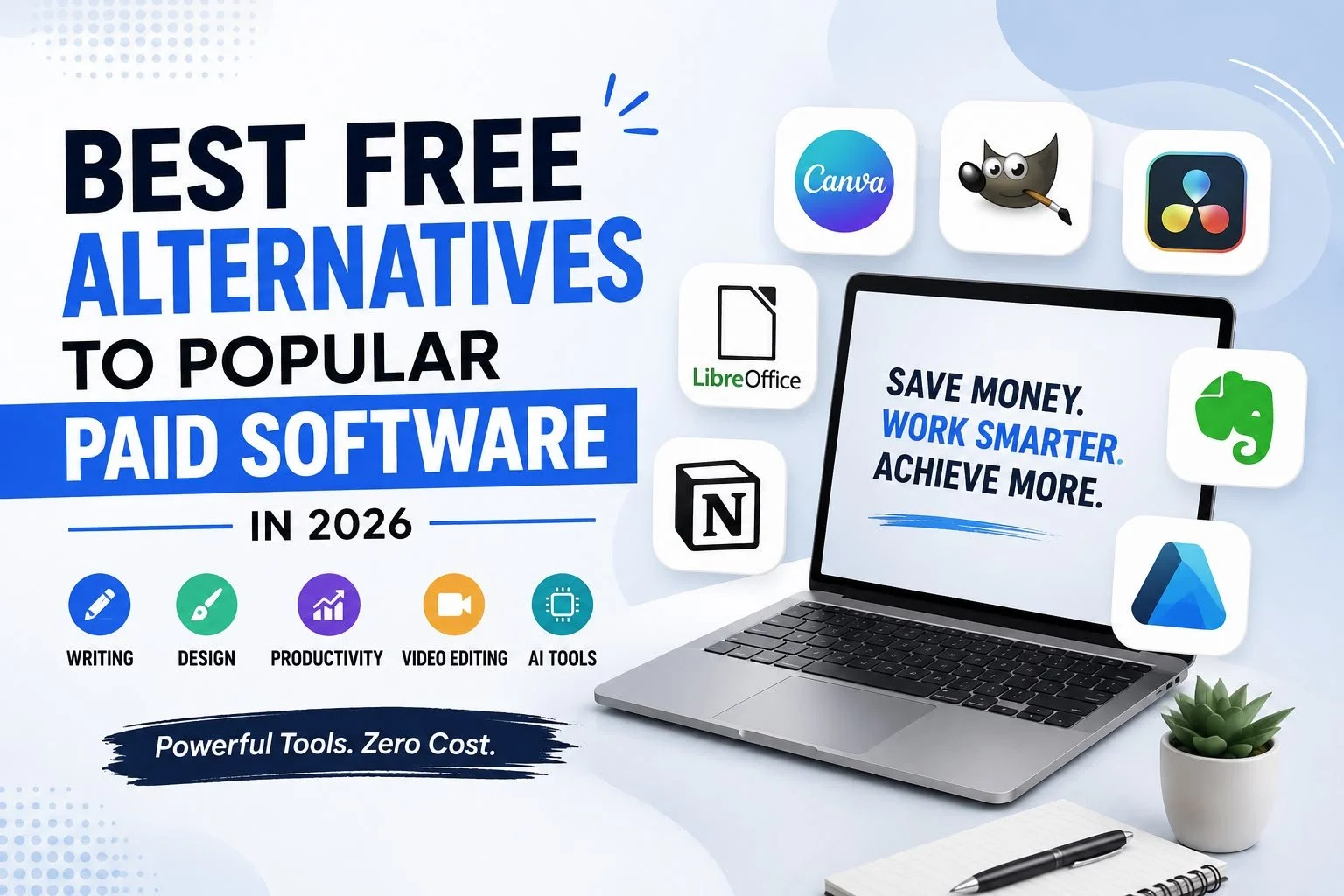
Best Free Alternatives to Popular Paid Software in 2026
In 2026, subscription fatigue is everywhere. Maintaining a basic toolkit for writing, graphic design, project management, and video editing can easily run up a bill of $100 to $200 every month. For students, freelancers, and small business owners, those recurring costs quickly add up. Thankfully, open-source developers and creative teams have built outstanding free tools that easily handle professional workloads without asking for a credit card.
Why Choose Free Software?
Major Benefits for Creators and Teams Switching to free alternatives isn’t just about cutting costs. It gives you back full control over your work, your files, and your personal privacy.
Financial Savings & Long-term Independence The average creator or small team can save anywhere from $800 to $2,400 a year by ditching monthly software plans. That extra cash can go right back into hardware upgrades, marketing, or personal savings. Open-Source Privacy & Data Security Many top free software options are open-source. Their code is continuously inspected by global developer communities, ensuring your data isn’t secretly collected, tracked, or locked behind sudden paywalls.
Top Free Alternatives by Category
Writing & Office Productivity Microsoft Office → LibreOffice
Used For: Document processing, financial spreadsheets, and slide decks.
Why People Pay: Deep corporate adoption and OneDrive integration.
The Free Alternative: LibreOffice (Open Source). Key Features: Writer, Calc, and Impress modules with full .docx and .xlsx support.
Pros & Cons: 100% free offline software; UI looks a bit traditional out of the box.
Who Should Use It: Students, researchers, and offline document writers.
Enough for Daily Use: Yes, it easily replaces paid office suites for daily work.
Grammarly Premium → Language Tool
Used For: Real-time spell checking, grammar correction, and style suggestions.
Why People Pay: Advanced style rewrites and vocabulary recommendations.
The Free Alternative: Language Tool.
Key Features: Multi-language checking, privacy protection, and browser extensions.
Pros & Cons: Respects data privacy; character limit per check on the free plan.
Who Should Use It: Multilingual writers, bloggers, and email communicators.
Enough for Daily Use: Yes, the free tier catches all major grammar mistakes instantly.
Notion AI → Obsidian
Used For: Workspace documentation, connected databases, and notes.
Why People Pay: Shared team databases and generative AI summaries.
The Free Alternative: Obsidian.
Key Features: Offline Markdown files, bidirectional linking, and visual graph views.
Design & Graphic Creation
Adobe Illustrator → Inkscape
Canva Pro → Canva Free
Video & Audio Production Adobe Premiere Pro → DaVinci Resolve
Final Cut Pro → Shotcut
Enough for Daily Use: Yes, handles basic and intermediate cuts effortlessly.
Project & Task Management Monday.com → Trello Free
Enough for Daily use: Yes, perfect for visual daily task tracking.
Asana Premium → ClickUp Free
Smart AI Assistants ChatGPT Plus → ChatGPT Free Plan
Jasper AI → Copy.ai Free Plan
PDF Utilities & Meeting Tools
Adobe Acrobat Pro → PDF24 Tools
Zoom Pro → Google Meet Free
Hidden Free Gems & Power Tips 10 Underrated Free Tools
- Audacity: Outstanding open-source tool for editing podcast audio and clearing background noise.
- Krita: Beautiful open-source painting suite built for illustrators and concept artists.
- Brave Browser: Privacy-focused web browser that blocks trackers and ads out of the box.
- Bitwarden: Secure, open-source password manager that syncs passwords safely across all devices.
- Handbrake: Open-source video transcoder for shrinking video file sizes without losing quality.
- 7-Zip: Lightweight file utility for extracting .zip and .rar files fast.
- LocalSend: Open-source file sharing tool for sending files between devices over local Wi-Fi.
- VLC Media Player: The universal media player that opens virtually any media file.
- Darktable: Open-source RAW image processor for photographers (Lightroom alternative).
- Scribe: Extension that automatically creates step-by-step visual guides while you work.
Practical Efficiency Hacks Combine Open-Source Tools with Free Media Assets and clearing background noise.
You don’t need expensive creative bundles. Pair GIMP or Canva Free with free stock photo sites like Unsplash and Pexels. Combine DaVinci Resolve with free sound effect sites like Free sound for professional video edits.
Conclusion
Best Free Alternatives to Popular Paid Software in 2026 are perfect for students ,freelancers, and professionals. Paying perpetual monthly subscriptions for essential digital tools is no longer necessary. In 2026, free and open-source applications deliver outstanding speed, privacy, and performance. By switching to reliable tools like LibreOffice, DaVinci Resolve, Inkscape, and Obsidian, you can easily save hundreds of dollars each year. Start by picking one paid subscription you rarely open, cancel it today, and try its free alternative—you’ll be surprised at how smooth the transition is!
Frequently Asked Questions (FAQs)
1. Why should I use free alternatives to paid software in 2026?
Free alternatives can help reduce recurring software expenses while still providing essential features. They are especially useful for students, freelancers, creators, and small businesses. Many free tools now offer professional-level functionality without requiring monthly subscriptions.
2. Can free software replace popular paid applications?
Yes, many free applications can handle everyday professional and personal tasks effectively. Tools like LibreOffice, GIMP, Inkscape, and DaVinci Resolve provide strong alternatives to popular paid software. However, advanced features and integrations may vary between tools.
3. What is the best free alternative to Microsoft Office?
LibreOffice is a popular free alternative that includes Writer, Calc, and Impress. It supports common document, spreadsheet, and presentation formats such as DOCX and XLSX. It is particularly useful for students, researchers, and offline users.
4. What is a good free alternative to Adobe Photoshop?
GIMP is a free, open-source image editing application suitable for photo editing and digital artwork. It supports layers, masks, brushes, and plugins. It can handle many professional editing tasks without requiring a monthly subscription.
5. Is there a free alternative to Adobe Illustrator?
Inkscape is a free vector graphics editor that can be used for logos, illustrations, icons, and scalable designs. It supports SVG, node editing, path operations, and gradients. It is particularly useful for designers who need high-quality vector graphics.
6. What is the best free alternative to Adobe Premiere Pro?
DaVinci Resolve’s free version provides video editing, color grading, audio production, and visual effects. It is suitable for YouTubers, content creators, and independent filmmakers. The free version can also export 4K videos without adding watermarks.
7. Are there free alternatives to project management software?
Yes, tools such as Trello Free and ClickUp Free provide useful project and task management features. Trello focuses on visual Kanban boards, while ClickUp offers multiple views, task priorities, and built-in documentation. Both can work well for individuals and small teams.
8. Can I use ChatGPT without subscribing to ChatGPT Plus?
Yes, the ChatGPT Free Tier can handle many everyday AI tasks, including writing, research, coding assistance, and image analysis. It is suitable for students, writers, programmers, and casual users. However, free usage limits may apply during periods of high demand.
9. What free tools can I use for PDFs and online meetings?
PDF24 Tools provides features for merging, splitting, compressing, protecting, signing, and converting PDFs. Google Meet’s free plan supports video calls, screen sharing, calendar integration, and live captions. These tools can help reduce the need for paid productivity subscriptions.
10. How much money can I save by switching to free software?
Switching from paid subscriptions to suitable free alternatives can potentially save hundreds or even thousands of dollars annually. The blog estimates savings of around $800–$2,400 per year for creators and small teams. The exact amount depends on the number of subscriptions replaced.


